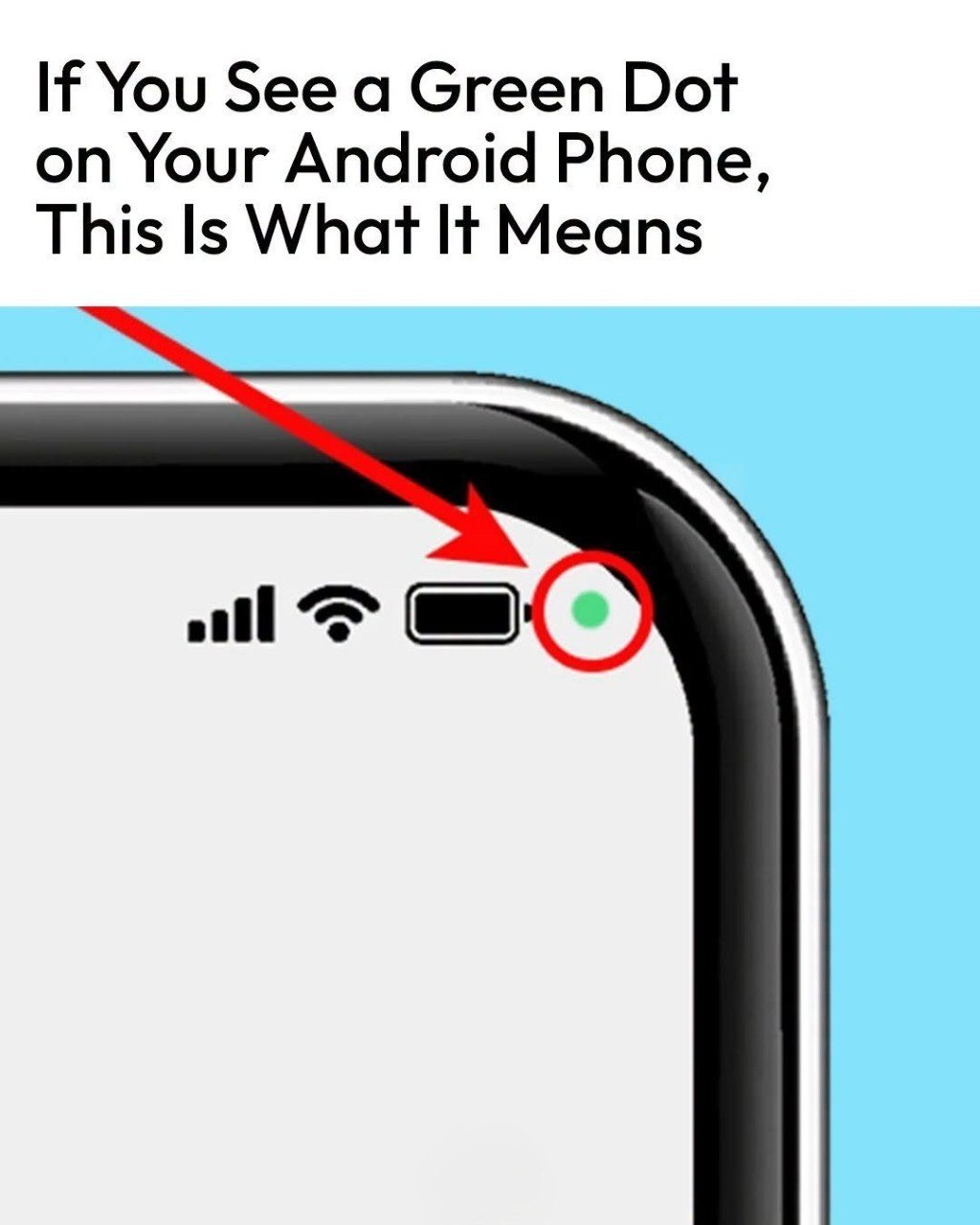
if you currently have the camera open, it might alarm you if you do not remember giving your open apps access to the camera or microphone.
What Should You Do If You See the Green Dot?
According to Samsung, you can figure out which app is using your camera or microphone in four quick steps.
Step-by-Step Guide
| Step | Action |
|---|---|
| 1 | Check the initial notification – When the notification first appears, it will have an icon showing whether the alert is about the camera, the microphone, or both. It will then shrink |