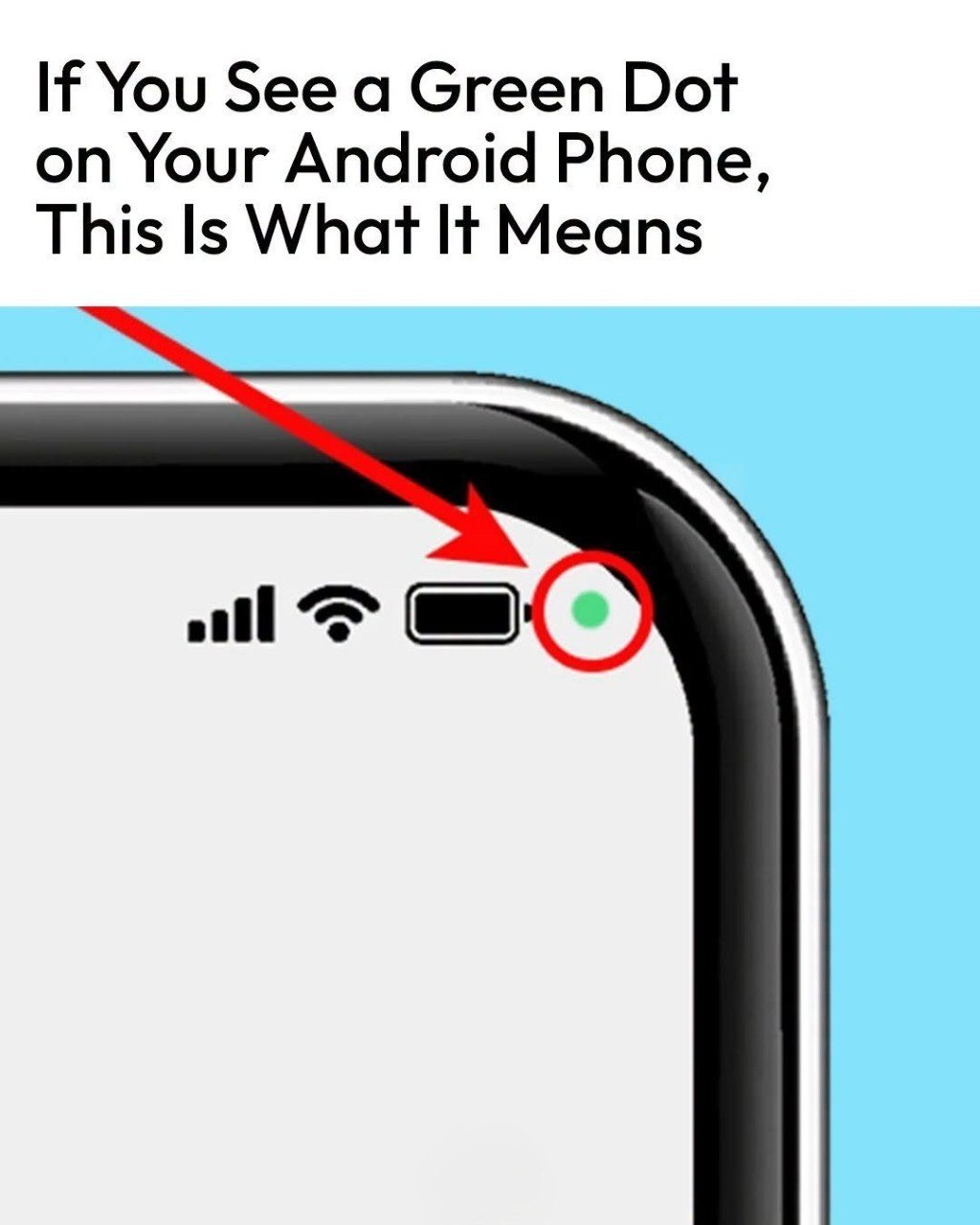
| to just be the dot in the upper right corner. | |
| 2 | Swipe down on the notification bar to open it |
| 3 | Tap on the dot to expand it – This will open a dialogue box that tells you what is being used (camera, microphone, or both) and what app is using them |
| 4 | Review and decide – You are good to go if you are fine with the app having and utilizing access. You do not have to take any further steps. |
When to Take Action
There may be an issue if